zAI
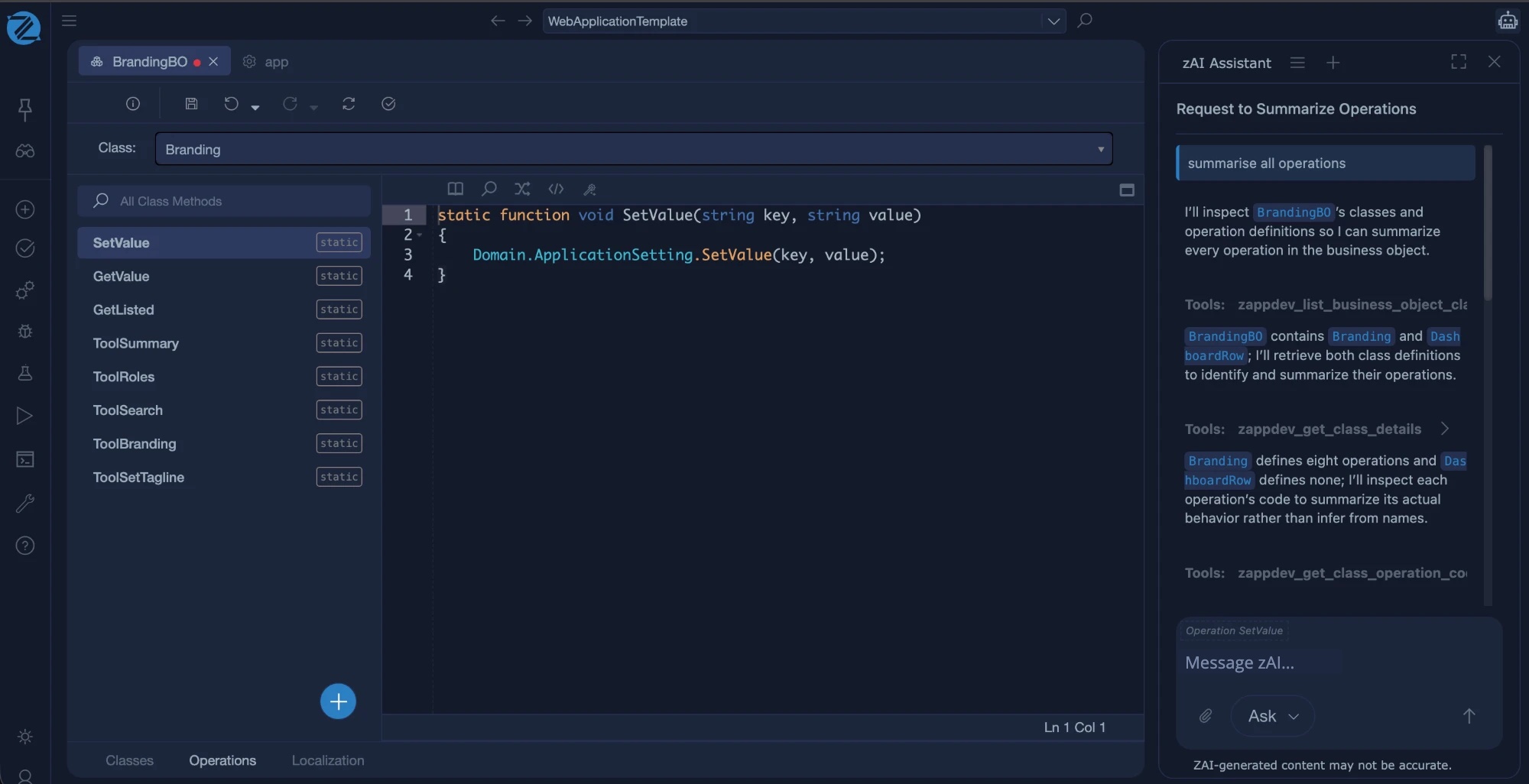
zAI is the AI assistant inside Studio. It works on the Intended Design itself: it reads the real definitions through tools, proposes a change, and you decide whether to accept it. Nothing is hidden in generated code.
How it works
- Ask. Describe what you want in plain language, for example to add a field or a screen.
- Review. zAI reads the relevant models through tools, then proposes the change. You see what it read and what it wants to change.
- Accept. Accept the change, or ask for something different. An accepted change goes through the same validation as any change you make by hand.
What zAI uses
zAI uses the same tools that any MCP agent can use: it reads classes, forms, services and settings, and changes them through the model. It does not edit generated code, because generated files are overwritten on every build.
What to expect
- zAI works best when the request is specific, and when the model already contains examples to follow, such as an existing form.
- Validation finds structural problems. Check the behaviour of what zAI produces, and write unit tests for rules that matter.