Authentication
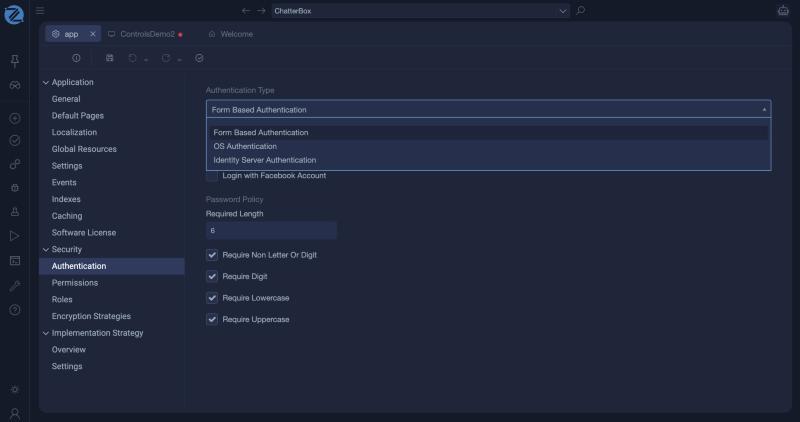
The Authentication Type of an application is chosen in Configuration, app, Security, Authentication. The list offers Form Based Authentication, OS Authentication and Identity Server Authentication.
Form Based
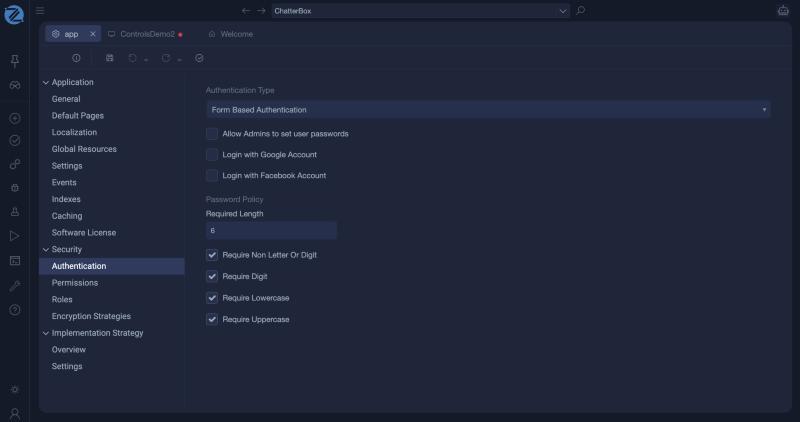
The settings are Allow Admins to set user passwords, Login with Google Account, Login with Facebook Account, and the Password Policy: Required Length (6 by default) and the options Require Non Letter Or Digit, Require Digit, Require Lowercase and Require Uppercase, all checked by default.
This is a stand alone method for authenticating users via accounts stored in the Application's DataBase. Operations can be protected using a permission based system, be accessible to all authenticated or even anonymous users.
Users can be created and managed using Forms.
Hint
All forms models required for Form Based Authentication are included in every new zAppDev application.
Hint
This is the most common Authentication Mode and the only one that supports External logins via Google and Facebook accounts (for more information, read this ).
OS Authentication
With OS authentication the only other setting is the User Class.
Users are authenticated against OS user accounts (e.g. Windows Account). Operations can be protected using a permission based system or be accessible to all authenticated users.
Warning
Please carefully read and understand this before using OS Based Authentication!
Hint
OS Based authentication is usually used in Applications running in Intranet environments.
Identity Server
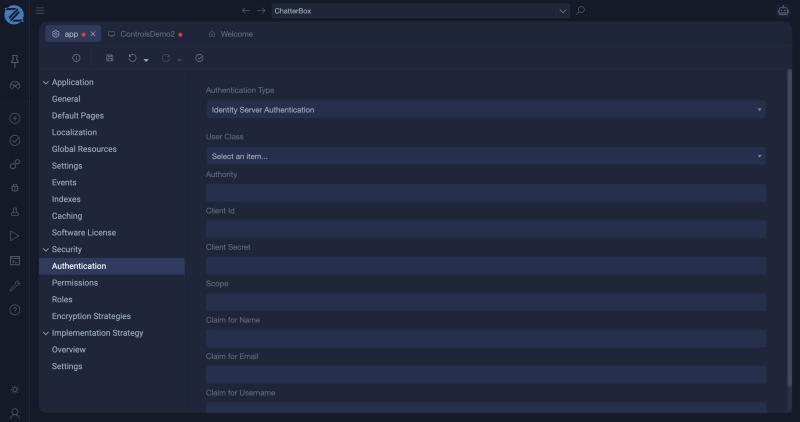
Identity Server Authentication signs users in through an identity server. Its settings are the User Class, the Authority, the Client Id, the Client Secret, the Scope and the claims used for the name, the e-mail and the user name.