HTML Container
An HTML container renders HTML that you write yourself. Use it for content that no control provides, such as a styled notice, an embedded video or a small piece of custom markup.
Properties
| Property | Description |
|---|---|
| Raw Html (the editor on the form) | The HTML to render. |
| Model Binding | A string of the view model that holds the HTML. |
| Stand Alone | Renders the HTML as it is, without wrapping it in an extra element. |
Rules for the HTML
Do not use curly braces
The Angular client reads { and } in this HTML as special markers, and a page that contains them can fail to compile. Write them as { and } instead.
- Write plain, well-formed HTML.
- To show data, use a Label with Render As Html, which takes the HTML from the view model.
Example
Give the paragraph a class and style it in the User LESS code of the theme.
When not to use it
In Studio
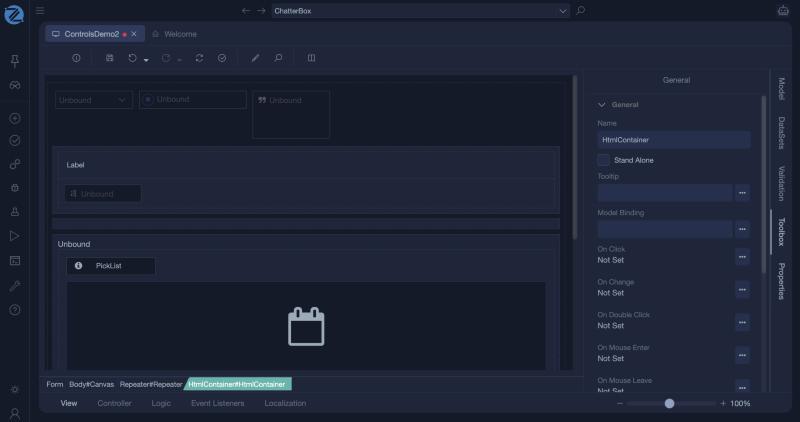
The HTML container: on the form it shows a code editor for the HTML. Its properties are Stand Alone, Model Binding and the events.