Image
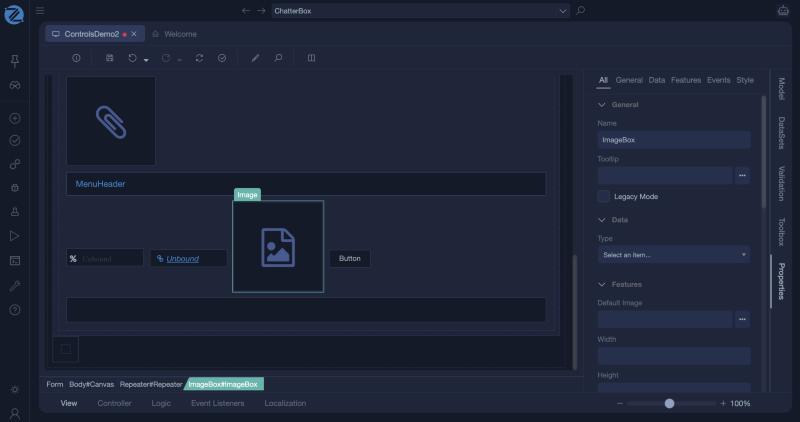
An image control shows a picture. The picture is either fixed, with a path you set at design time, or bound to a value of the view model, so that it can differ for each record.
Properties
| Property | Description |
|---|---|
| Image Type | Static for a fixed address, or Bound for an address from the view model. |
| Url Path | The address of the picture, when the type is Static. |
| Model Binding | The view model value that holds the address, when the type is Bound. |
| Width | The width of the picture, in pixels. |
| Height | The height of the picture, in pixels. |
| Show Full Scale Image On Click | Opens the picture at its full size when the user clicks it. |
Example: a product picture
- Give the product class an attribute
PictureUrl, of typestring. - Add an Image control, set the type to Bound and the binding to
Product.PictureUrl. - Set Width to 200.
The picture changes with the product that the form shows.
Tips
- Set both Width and Height so the layout does not jump while the picture loads.
- To let users upload pictures, see File Attachment and Working with Files and Images.
- In a Data List, a column of type Imagebox shows a picture for each row.
In Studio
The image (an ImageBox) and its properties.