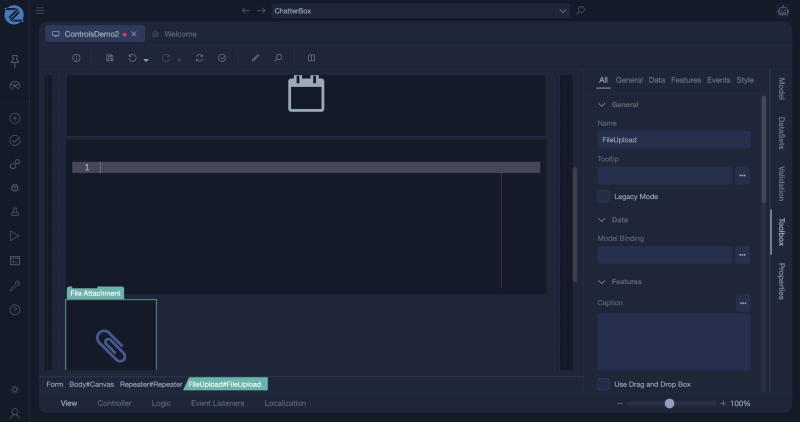
File Attachment
The file attachment control lets the user upload one or more files and download files that are already attached. It is bound to a file value of the view model.
Requirements
The binding must be of type FileData, or a collection of FileData. A collection allows several files.
Properties
| Property | Description |
|---|---|
| Model Binding | The FileData or Collection[FileData] property that holds the files. |
| Caption | The text of the download link. |
| Legacy Mode | Uses the older upload control. |
| Use Drag and Drop Box | Shows an area where the user can drop files. |
| Don't display filename list | Hides the list of uploaded file names. |
| No Upload Success Message | Does not show a message after a successful upload. |
| Read Only | The user can download but not upload or remove. |
| Required | The form is not valid until a file is attached. |
| Does Not Make Form Dirty | Uploading does not mark the form as changed. |
Working with the files
Uploaded files are available in the controller as FileData. Use the FileIOLib library to store them, or keep them with a business object. See Working with Files and Images for a complete example.
Tips
- Check the size and type of an upload in the controller before you save it.
- Use an Image control to show a picture that the user uploaded.
In Studio
The file attachment (a FileUpload) and its properties.