Resources
Resources are the files a theme brings with it: stylesheets, scripts, fonts, and archives that contain them. Import a resource when your application needs something the built-in theme does not provide, such as an icon font, a company typeface or a third-party stylesheet.
What to import
- Stylesheets (CSS) that your pages should load.
- Fonts, for text that must use a specific typeface.
- Icon sets, which you then register in the Icons tab so that forms can use them.
- Scripts, when a stylesheet or a component needs one.
A resource is shipped with the application when you build it.
Fonts
You can also use a font from a web font service. Set the font in the Fonts tab, and the theme loads it without a resource.
Related
- Icons: use an imported icon set.
- User LESS code: style the elements your resources add.
In Studio
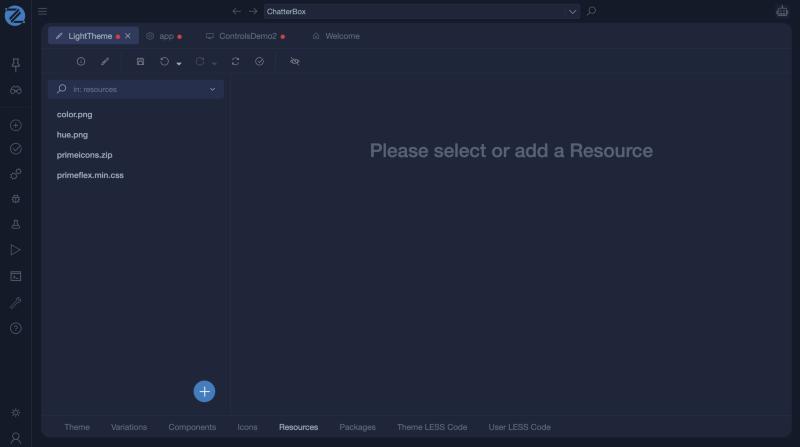
The Resources tab lists the files of the theme. A new theme has color.png, hue.png, primeicons.zip and primeflex.min.css. Select one to see it, and use + to add more.
Packages
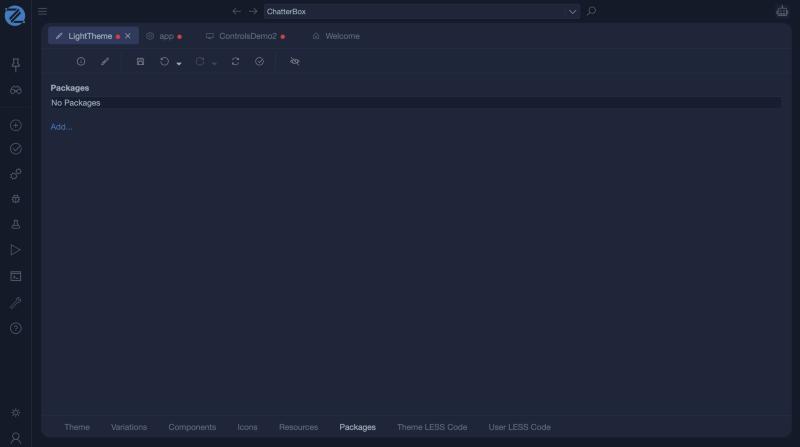
The Packages tab lists the packages of the theme. A new theme says No Packages, with an Add... link.
The tab was opened in Studio 10.7.0. Adding a package was not tried.